Digital nostalgia · cool color
Free Y2K Photo Filter
Explore icy digital color, purple-green shifts and intentionally blocky detail. Pick a subtle Y2K mood or make the digital texture part of the image.
On your device. Just for you.
Checking account for saved looks…
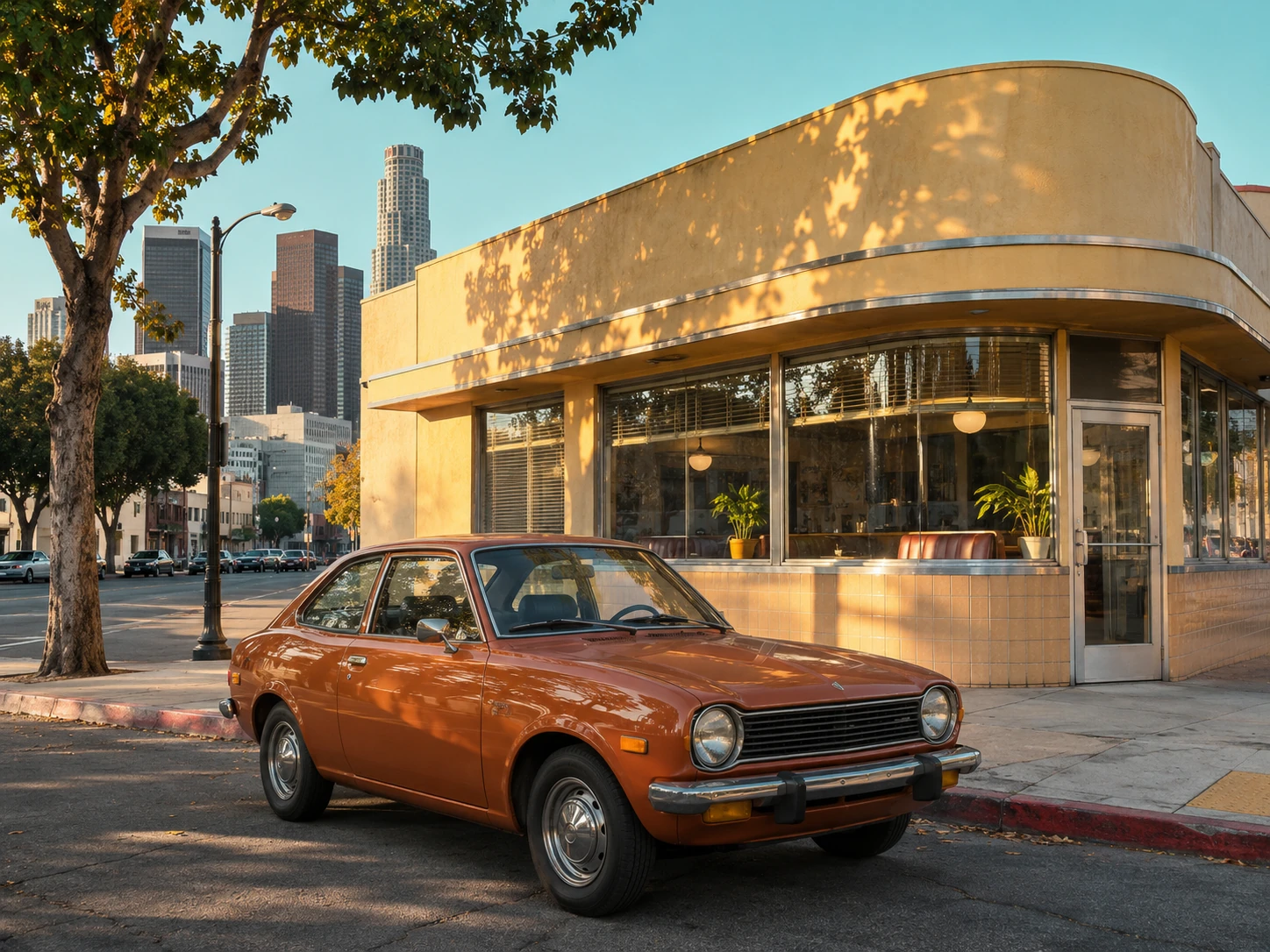
The three inspiration thumbnails above are generated photos, processed with our real filters. Licensed real-photo comparisons are linked below. Try your own photo to judge the result.
One source · real rendered results
See Y2K on three real photos
Compare the same full frame before and after. Each download is a real output from our local Canvas 2D / CPU photo engine, using Y2K Digital at 80% intensity and 17% grain. These are creative effects, not calibrated camera or film-stock reproductions.
Rendered and reviewed by RetroFilters · · All examples have a 960px long edge, without cropping or upscaling. Your own exports are free up to 1280px, within the input size. Download settings, dimensions and file hashes.
Portrait · Window-light portrait
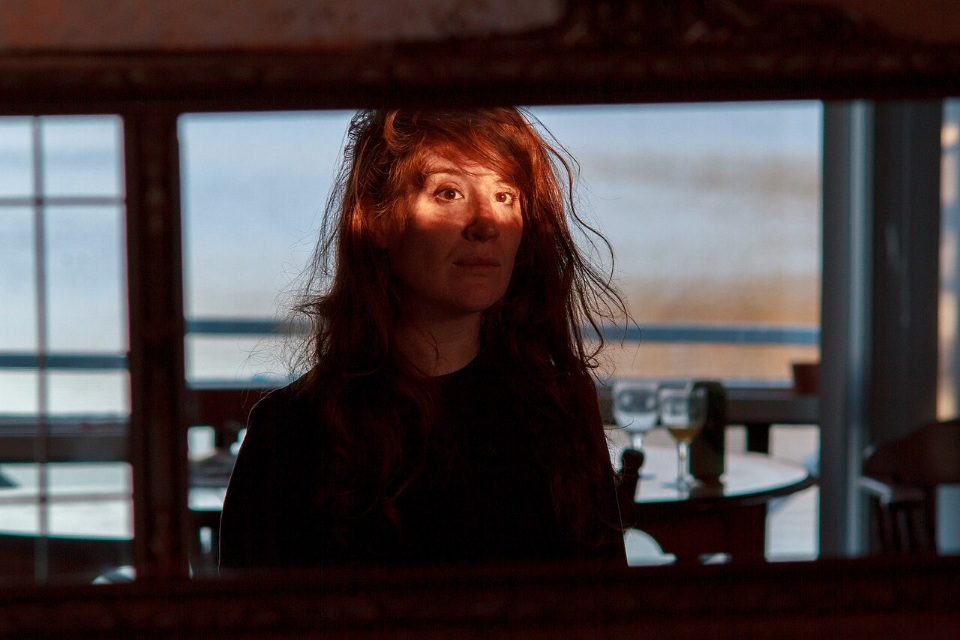
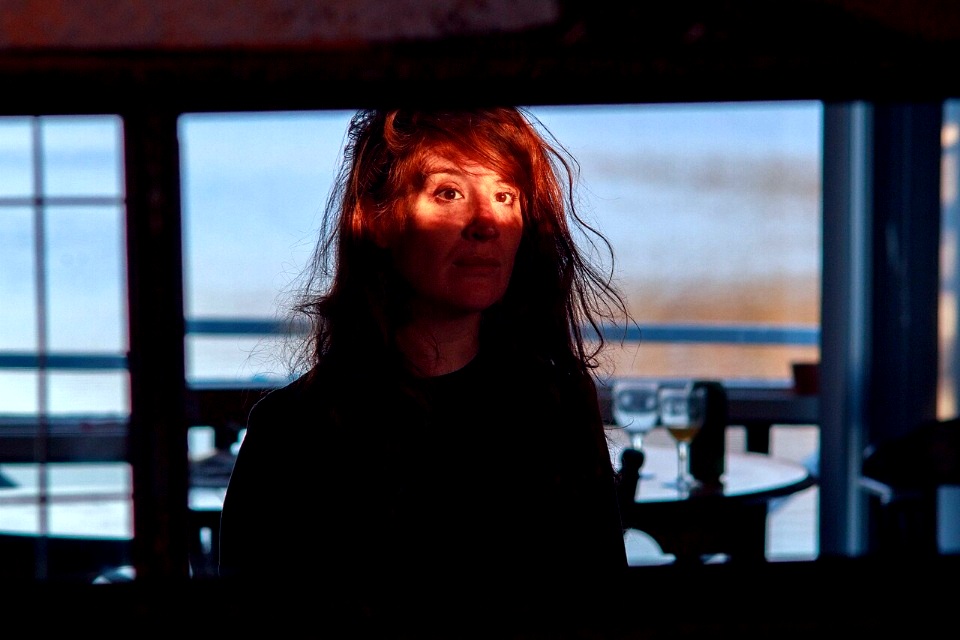
The cool cast shifts skin and pale surfaces. Reduce strength when the cast distracts from the face.
Portrait 2024 · Photo by Louis Rivest-Henault / MarieClaudeGendron2 · CC0 1.0. Resized and filtered by RetroFilters; no endorsement.

Night · Singapore after dark
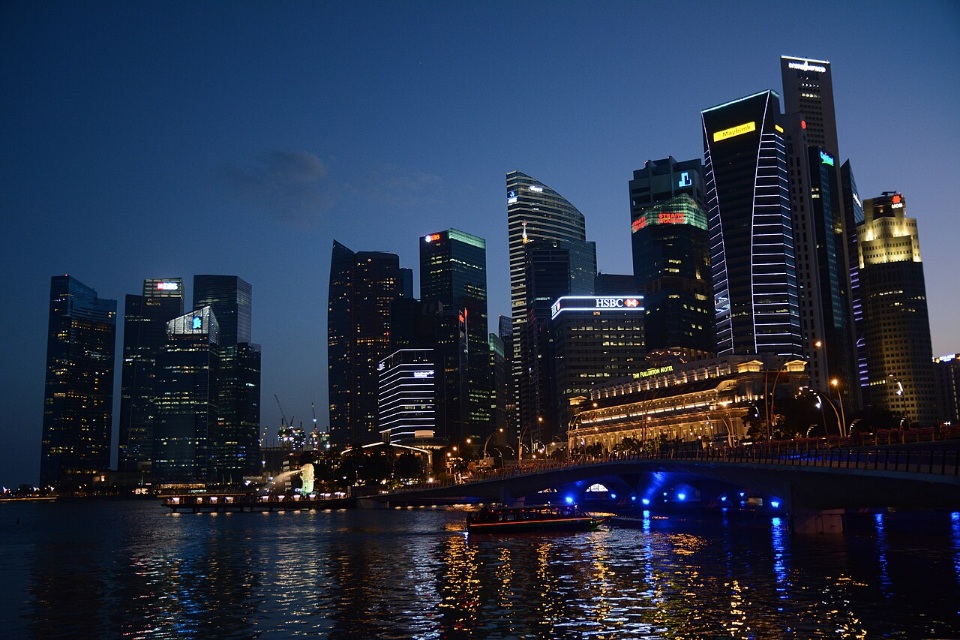
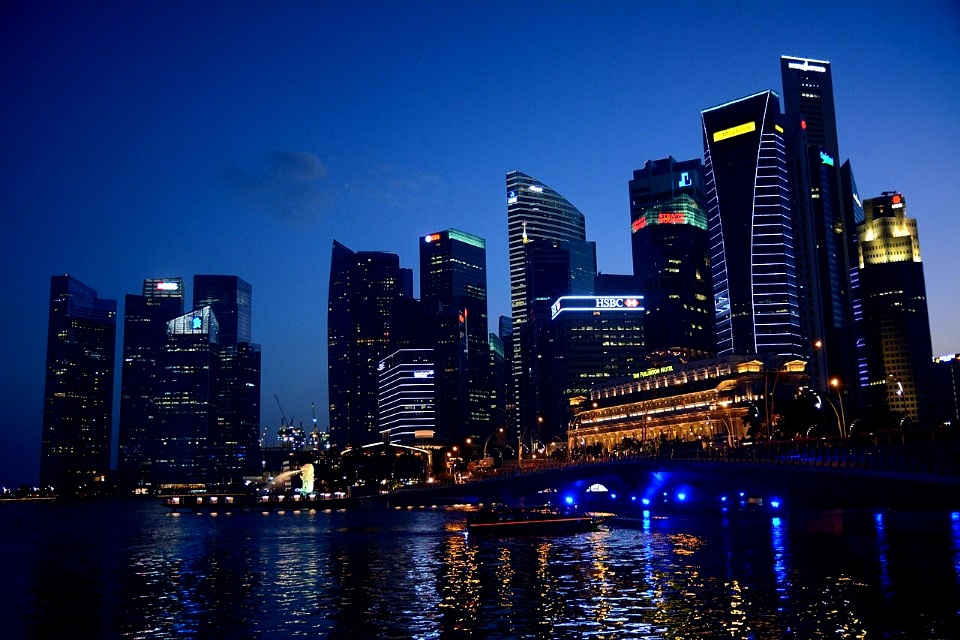
The cyan direction changes the blue sky and warm city lighting; compare the bridge and reflections, not just the overall tint.
Central Business District, Singapore, at night - 20150208 · Photo by C1815 · CC0 1.0. Resized and filtered by RetroFilters; no endorsement.

Street · Downtown Toronto
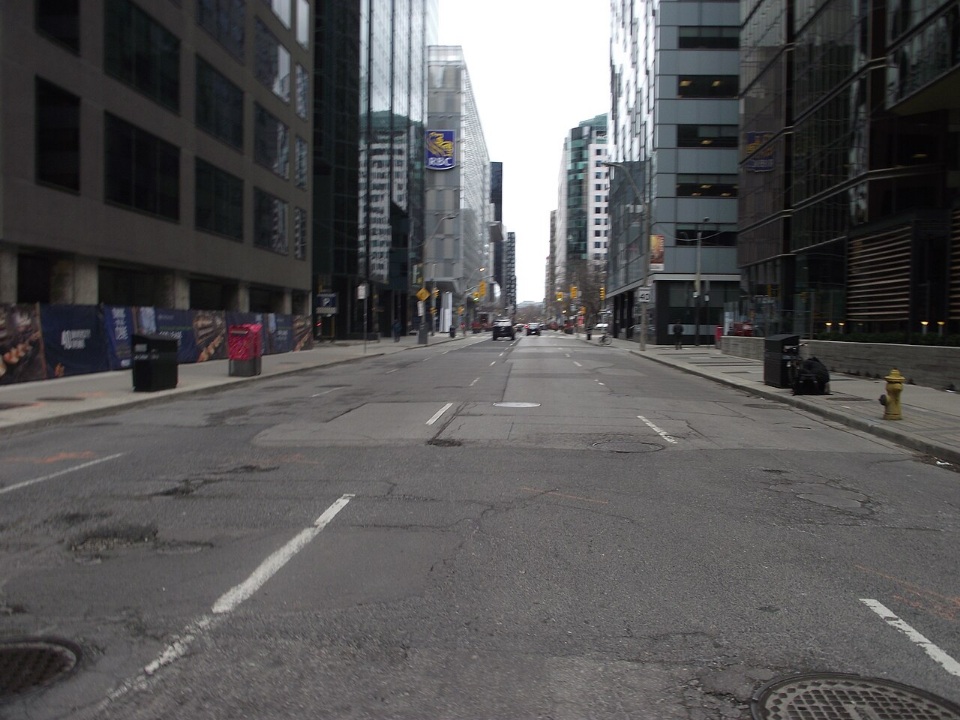
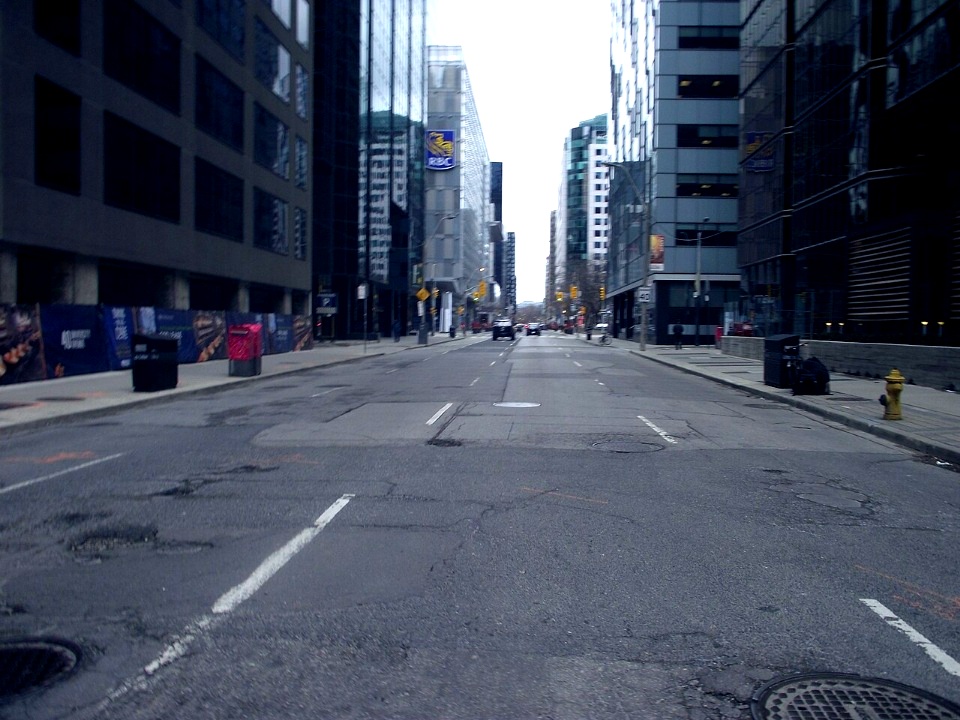
Compare the cooler surfaces here with the softer, warmer Pocket 2005 result from the same input.
Street in downtown Toronto · Photo by Jason Zhang (Hiàn) · CC0 1.0. Resized and filtered by RetroFilters; no endorsement.

When the effect is too strong: a failure and a quieter alternative
Full-strength Y2K with maximum grain exaggerates color and texture on the face. Compare with 40% strength and 10% grain before deciding.
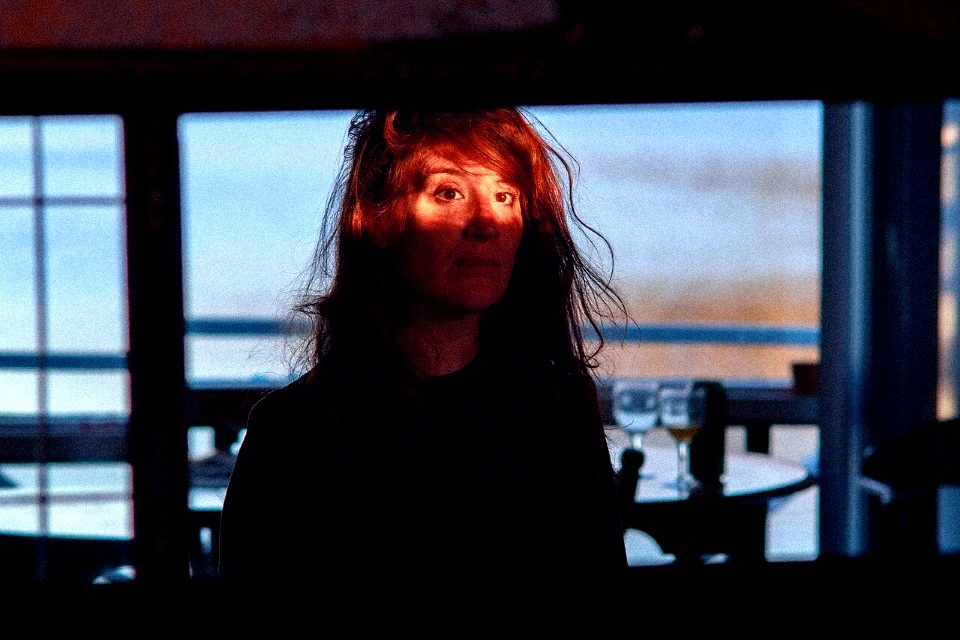
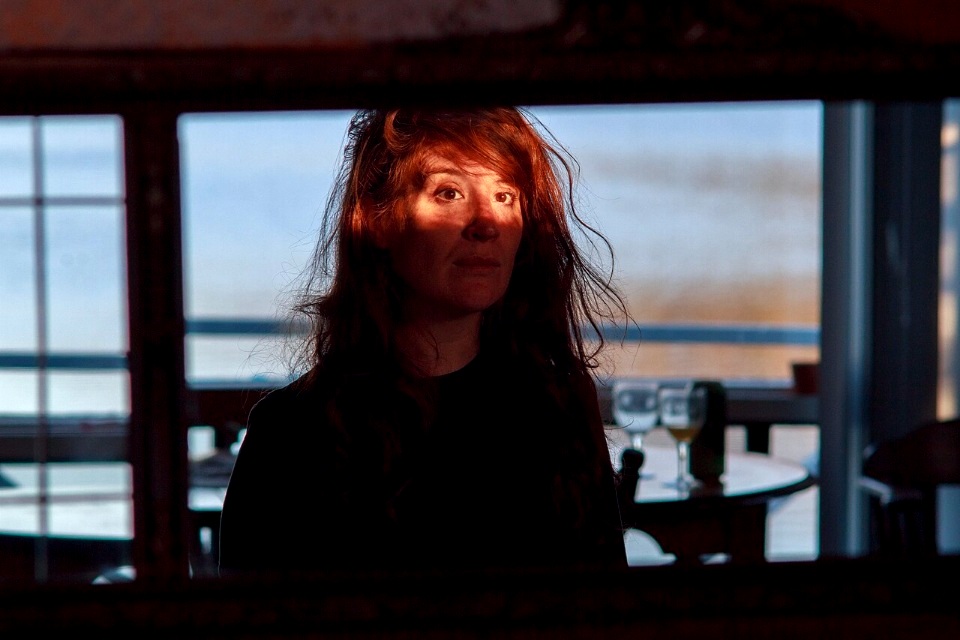
No setting recovers details missing from the original. This is a deliberately excessive treatment, not a failed download. Troubleshoot dark photos and color casts.
2000s or Y2K? Compare both on the same street photo
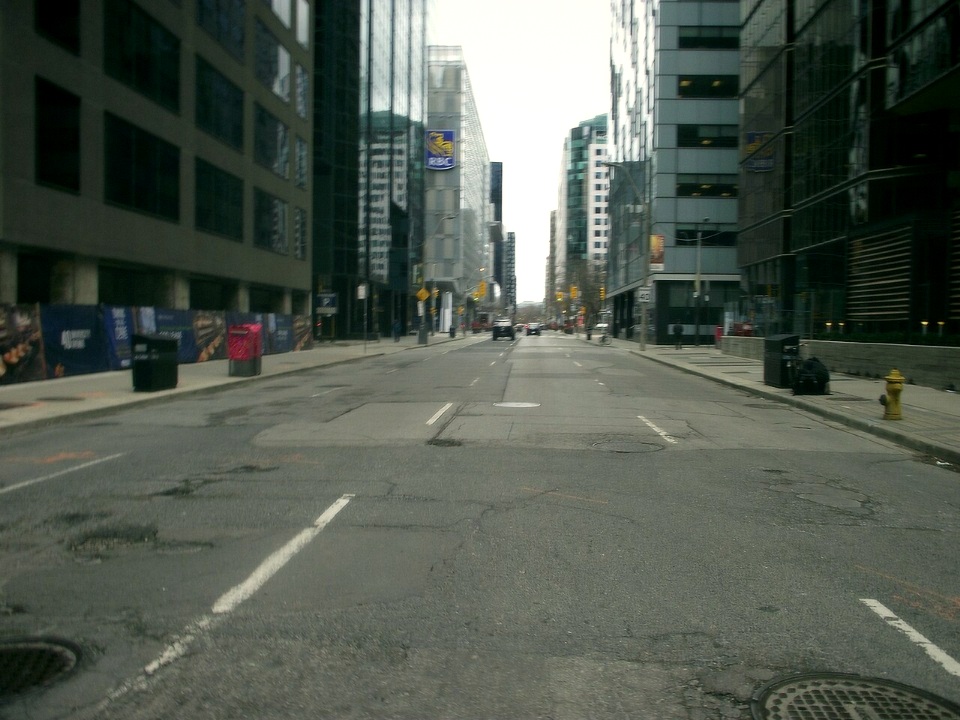
Pocket 2005 uses softer detail and a warmer snapshot treatment. Y2K Digital pushes cool cyan color. Both results below start from the exact same source, at 80% intensity with their preset’s default grain.
Choose a starting preset for your own photo
| Preset | What changes | Starting grain | Try it |
|---|---|---|---|
| Y2K Digital | Icy blues, bright whites, and a fast point-and-shoot feel. | 17% | Open Y2K Digital |
| Blue Compact | A cyan-biased sensor look with clear skies and pale highlights. | 8% | Open Blue Compact |
| Pixel Phone | Coarse pixel blocks with an exaggerated purple-green sensor cast. | 4% | Open Pixel Phone |
| Webcam 240p | Low-resolution sample blocks and limited color steps. | 10% | Open Webcam 240p |
The effect, explained
What changes in your photo?
Y2K is a visual style, not one camera
Y2K photography is a broad contemporary label for imagery associated with the turn of the millennium. Cool color, direct-light snapshots, webcams, early phone images and deliberately imperfect digital detail can all play a part. No single recipe represents that whole period. This page focuses on a more stylized digital look, while our 2000s page concentrates on everyday compact-camera moods. Both work on an existing photo and leave the original file untouched.
Cool color or visible pixels?
Y2K Digital gives you the default icy-blue treatment. Blue Compact takes the image toward cyan and pale highlights. Pixel Phone adds obvious block-like detail and a stronger purple-green cast. Webcam 240p is a low-detail aesthetic, not a claim that your exported file is literally a 240p recording. The file dimensions are shown separately in the export controls. Choose by how the effect treats your subject instead of assuming that every digital-looking preset does the same thing.
Keep skin and fine detail under control
Cool color can be flattering in a night scene and distracting in a softly lit portrait. Reduce strength if faces become too blue, pale surfaces lose separation or fine detail turns into a busy pattern. A lower intensity can preserve the nostalgic cue without making every color compete. The comparison control is especially useful on white clothing, skin and bright lights, where an aggressive color shift is easiest to notice.
Style and resolution are different choices
Pixelation changes visible detail; export dimensions describe the size of the resulting file. A large download of a pixel-styled image does not restore the detail that the effect intentionally removes. Start from your best available input, preview the whole image, then inspect the exported result at the size you plan to share it. If you want warm grain rather than digital blocks, switch to Film or Disposable Camera instead of increasing this effect further.
From photo to file
How to use the Y2K effect
Open your photo
Choose a JPEG, PNG or WebP from your device, or try a generated sample. Editing happens in your browser; no account is needed for a free export.
Choose, tune, compare
Start with the selected preset. Adjust strength and grain, then use the comparison control to check the same photo before and after.
Make your image file
Choose JPEG or PNG and export up to a 1280px long edge without enlarging the input. Your browser handles the download; generating a file does not confirm that it was saved to your photo library.
Useful details
Questions about Y2K
Is Y2K the same as CCD?
No. Y2K describes an aesthetic or period reference, while CCD is a type of image sensor. A Y2K image can borrow from several cameras and digital workflows.
How can I keep faces from looking too blue?
Lower strength or choose a different preset. Compare the face with the original; there is no single intensity that suits every skin tone and light source.
Does a pixel effect reduce the export dimensions?
The export size is controlled separately. Pixel-style effects reduce visible detail inside the image, even if the resulting file has larger pixel dimensions.
Can I download without an account?
Yes. Free JPEG and PNG downloads are available without registration, up to a 1280px long edge without upscaling. Paid high-resolution service is not active.
Keep exploring
Another direction for your photo
Free exports are available now. Paid high-resolution exports, batch processing and LUT packs are not available to purchase.