Analog video · still photos
Free VHS Filter for Photos
Turn a still photo into a tape-inspired frame. Try VHS Tape for a stronger treatment or Home Camcorder for a softer family-video feel.
On your device. Just for you.
Checking account for saved looks…
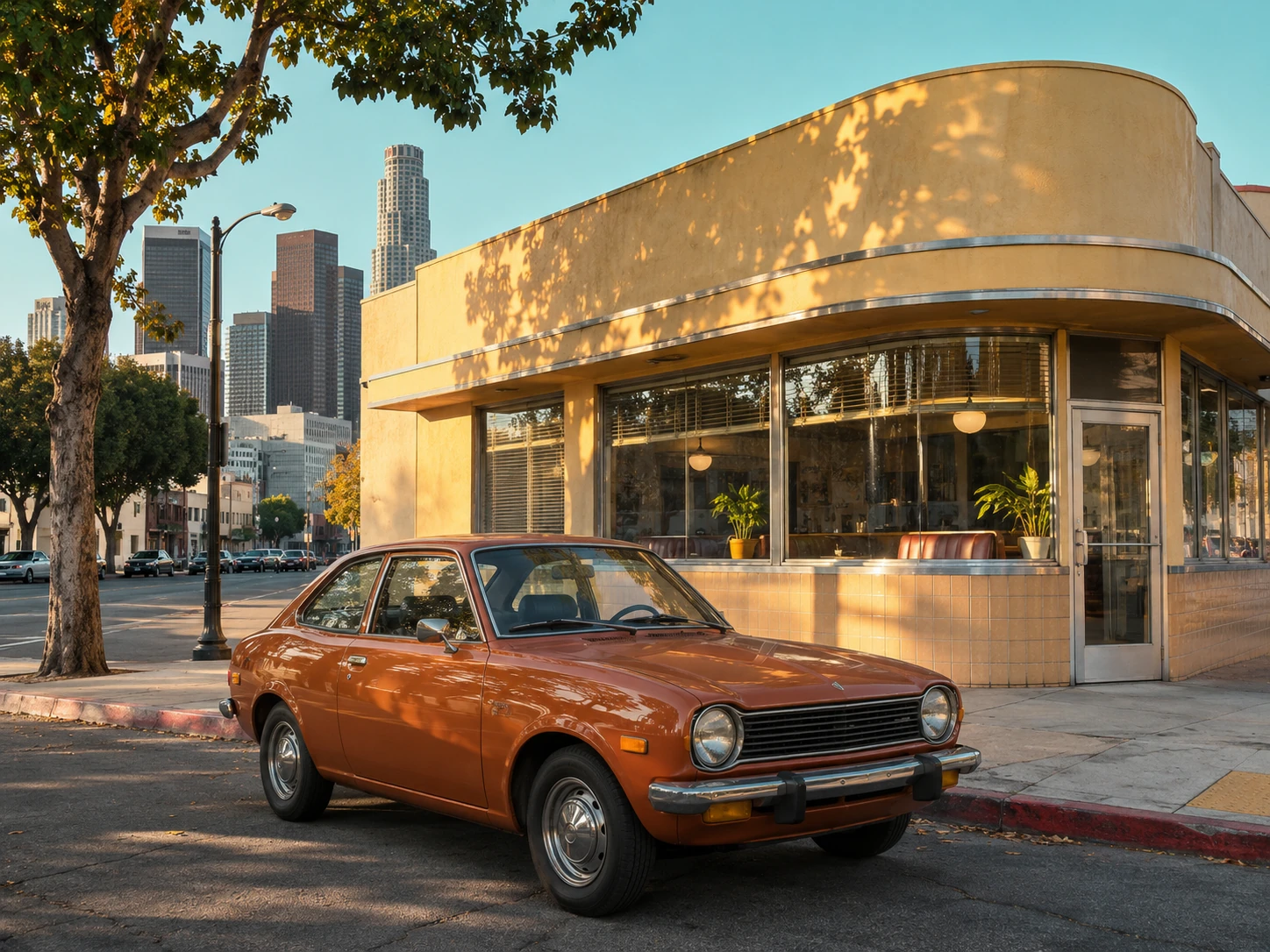
The three inspiration thumbnails above are generated photos, processed with our real filters. Licensed real-photo comparisons are linked below. Try your own photo to judge the result.
One source · real rendered results
See VHS on three real photos
Compare the same full frame before and after. Each download is a real output from our local Canvas 2D / CPU photo engine, using VHS Tape at 80% intensity and 28% grain. These are creative effects, not calibrated camera or film-stock reproductions.
Rendered and reviewed by RetroFilters · · All examples have a 960px long edge, without cropping or upscaling. Your own exports are free up to 1280px, within the input size. Download settings, dimensions and file hashes.
Portrait · Window-light portrait
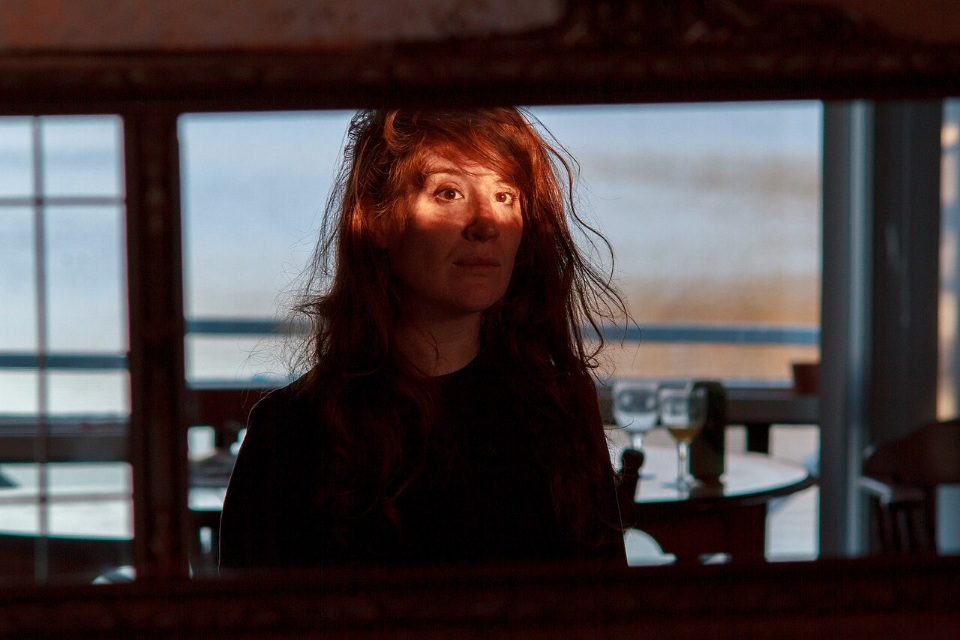
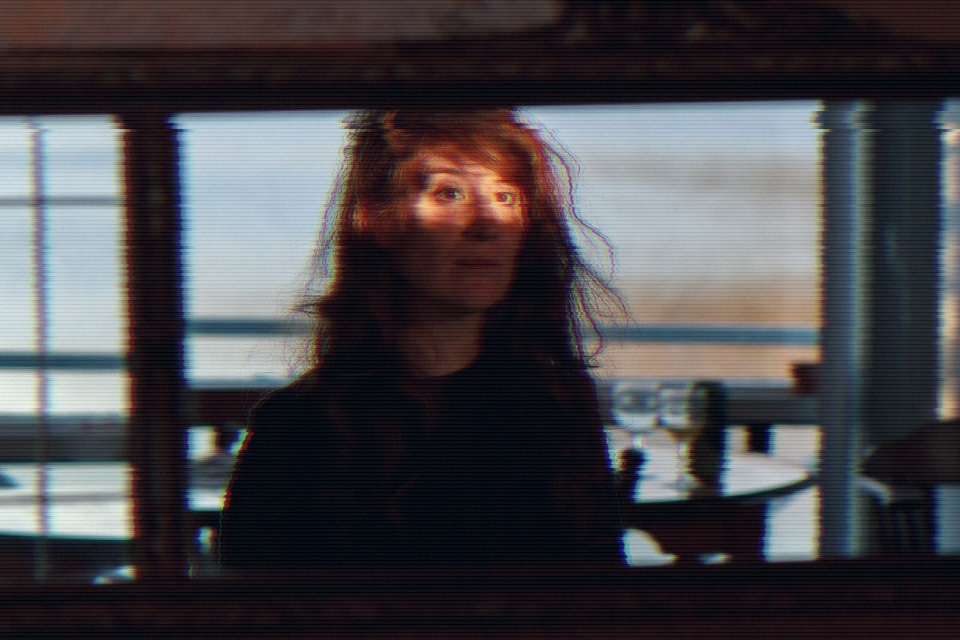
Watch the face and window edge: tape lines and displaced color are part of the treatment.
Portrait 2024 · Photo by Louis Rivest-Henault / MarieClaudeGendron2 · CC0 1.0. Resized and filtered by RetroFilters; no endorsement.

Night · Singapore after dark
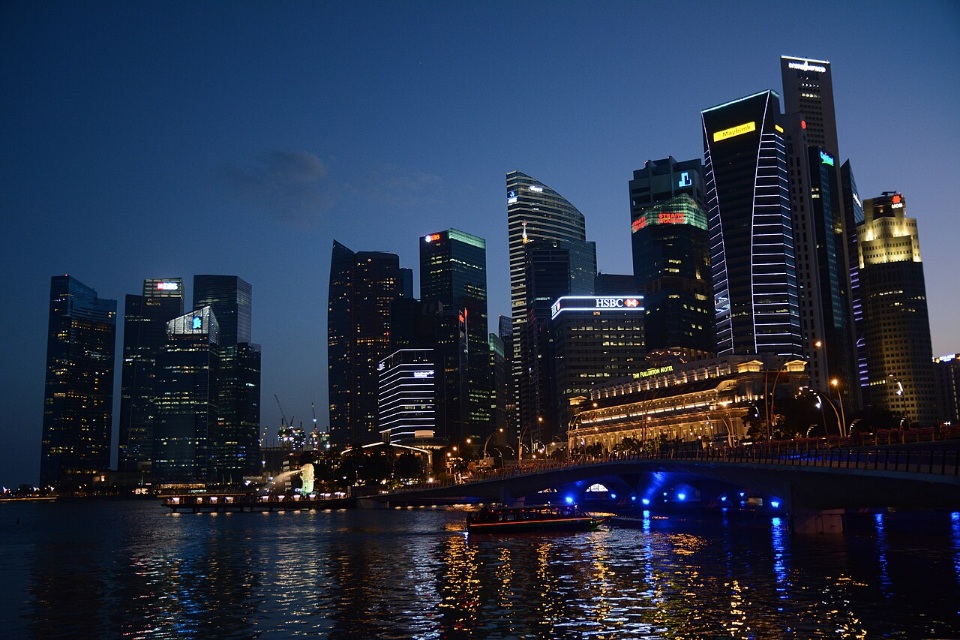
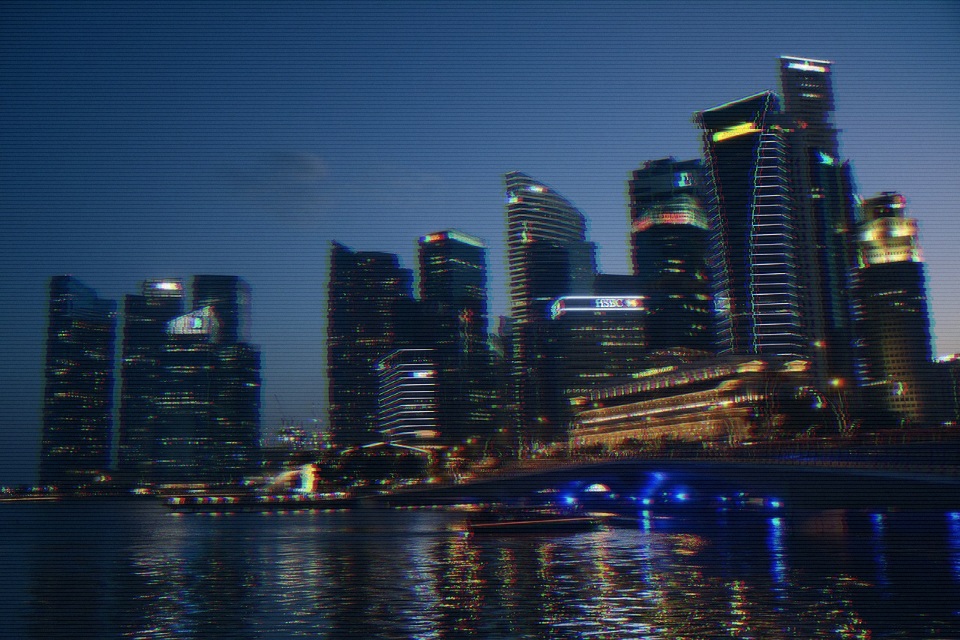
Bright lights gain color drift; the filter does not brighten missing shadow detail.
Central Business District, Singapore, at night - 20150208 · Photo by C1815 · CC0 1.0. Resized and filtered by RetroFilters; no endorsement.

Street · Downtown Toronto
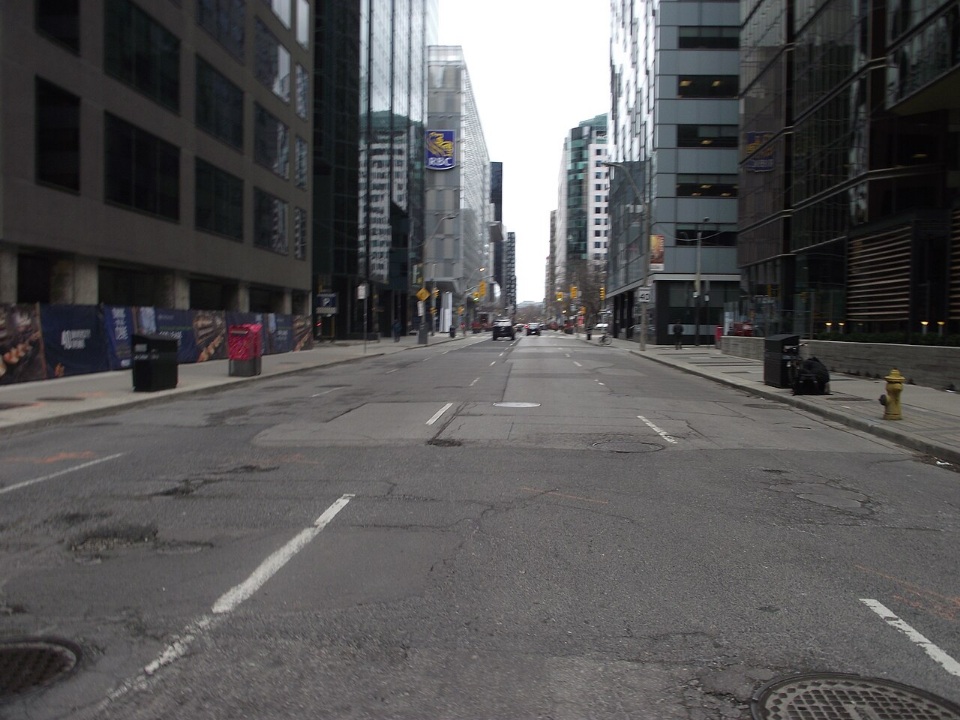
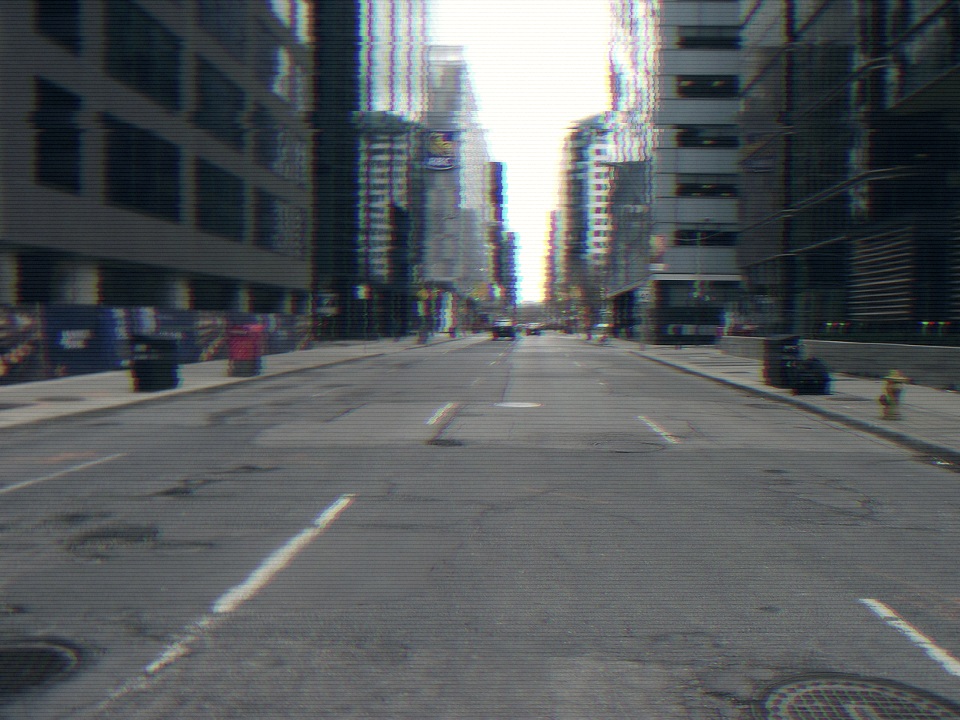
Scanlines and horizontal displacement interfere with fine edges and small lettering.
Street in downtown Toronto · Photo by Jason Zhang (Hiàn) · CC0 1.0. Resized and filtered by RetroFilters; no endorsement.

When the effect is too strong: a failure and a quieter alternative
At full strength with 100% grain, tape texture and color separation compete with small street detail. Lower intensity and grain to keep signs readable.
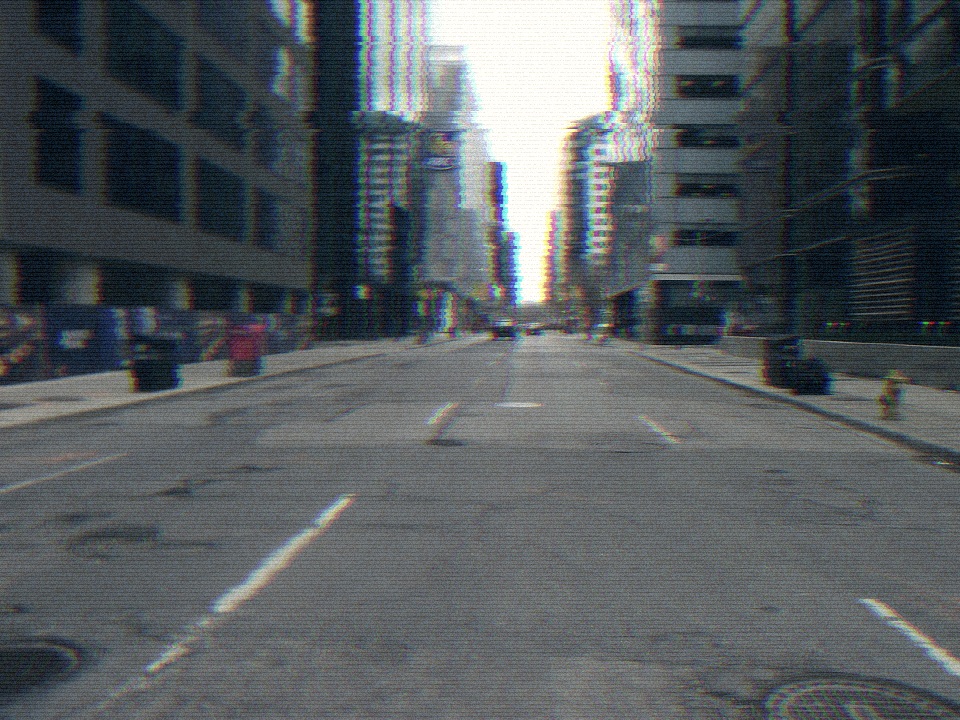
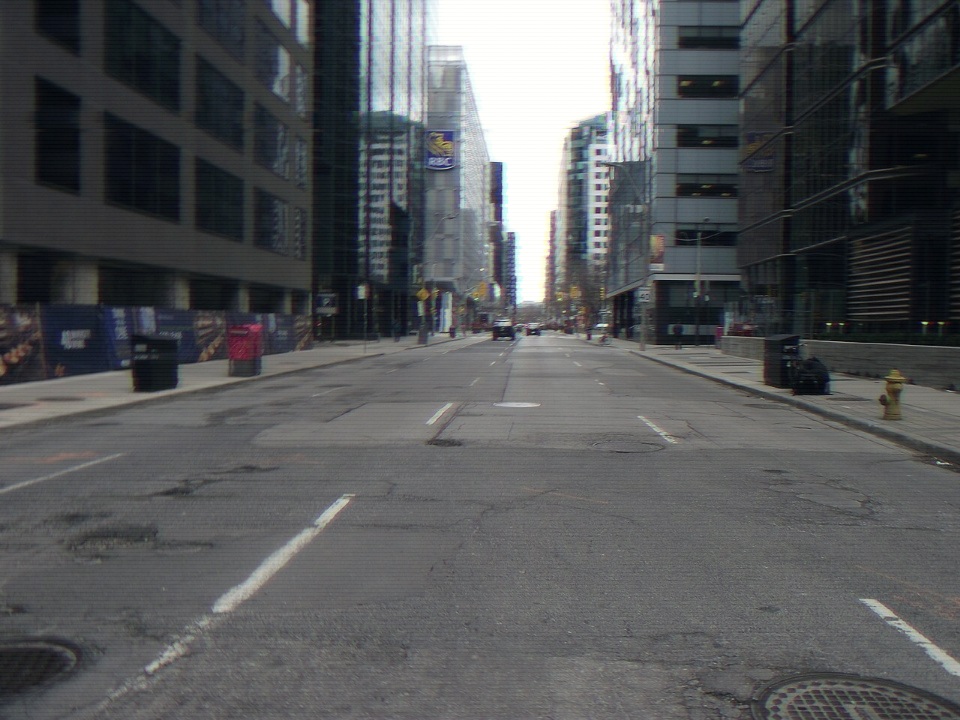
No setting recovers details missing from the original. This is a deliberately excessive treatment, not a failed download. Troubleshoot dark photos and color casts.
Choose a starting preset for your own photo
| Preset | What changes | Starting grain | Try it |
|---|---|---|---|
| VHS Tape | Tape jitter, uneven scanlines, and visible red-blue channel drift. | 28% | Open VHS Tape |
| Home Camcorder | Slight chroma softness and tape stripes with lifted black levels. | 24% | Open Home Camcorder |
The effect, explained
What changes in your photo?
What gives a still photo a VHS look?
A tape-inspired image is more than a warm color cast. Uneven horizontal lines, softened color detail and small offsets between color channels suggest an image passing through an older video system. This filter combines those visual cues in a single photo. It does not reconstruct a recording, identify the camera that took your image or simulate the passage of time. The result is a designed still-image effect, useful for a cover, poster or deliberately rough snapshot.
Two tape-inspired starting points
VHS Tape is the more visible treatment: expect stronger lines, color separation and a rougher frame. Home Camcorder keeps the tape reference quieter, with softened color and lifted dark tones. Compare both on the same photograph before deciding. A portrait with a simple background can tolerate stronger channel drift; a busy street scene may work better with less intensity. These are original presets, not profiles measured from a particular deck, cassette or camcorder.
Keep the subject readable
Start with moderate strength and check faces, signs and fine edges. Texture can add atmosphere, but it can also cover detail that mattered in the original. Increasing grain does not recover shadow information. If the input already has heavy compression, a very strong tape effect can turn that damage into a distracting pattern. Use the comparison control to check the same crop rather than comparing unrelated sample photos.
What this effect cannot do
This page edits photos, not video or audio. Horizontal distortion may shift details near the frame edges, so inspect the complete image before exporting. Texture can look different when a larger image is resized for a small screen; judge the exported file at its intended display size. For a clean early-digital snapshot without tape lines, try the 2000s effect. For texture without the video treatment, try Film Grain.
From photo to file
How to use the VHS effect
Open your photo
Choose a JPEG, PNG or WebP from your device, or try a generated sample. Editing happens in your browser; no account is needed for a free export.
Choose, tune, compare
Start with the selected preset. Adjust strength and grain, then use the comparison control to check the same photo before and after.
Make your image file
Choose JPEG or PNG and export up to a 1280px long edge without enlarging the input. Your browser handles the download; generating a file does not confirm that it was saved to your photo library.
Useful details
Questions about VHS
Can I use this VHS filter on a video?
No. This editor accepts still photos. It does not process video clips, animated GIFs or audio.
Can I adjust scanlines separately?
The VHS and Home Camcorder presets define their own tape treatment. The shared strength control changes the overall effect; there is no separate scanline control in this version.
Will it crop my photo?
The export keeps the photo’s aspect ratio. A distortion effect can move or sample details near the edges, so compare the full frame before downloading.
Why does texture look different in the downloaded file?
Preview and export use different pixel dimensions. Viewing or resizing the exported file changes how fine texture appears. Compare at a similar display size; do not expect identical pixels at different resolutions.
Keep exploring
Another direction for your photo
Free exports are available now. Paid high-resolution exports, batch processing and LUT packs are not available to purchase.