Single-use snapshot · warm texture
Free Disposable Camera Filter
Give a photo a warmer, rougher snapshot treatment. Compare Disposable 35 with Direct Flash and Toy Camera to find the amount of imperfection you want.
On your device. Just for you.
Checking account for saved looks…
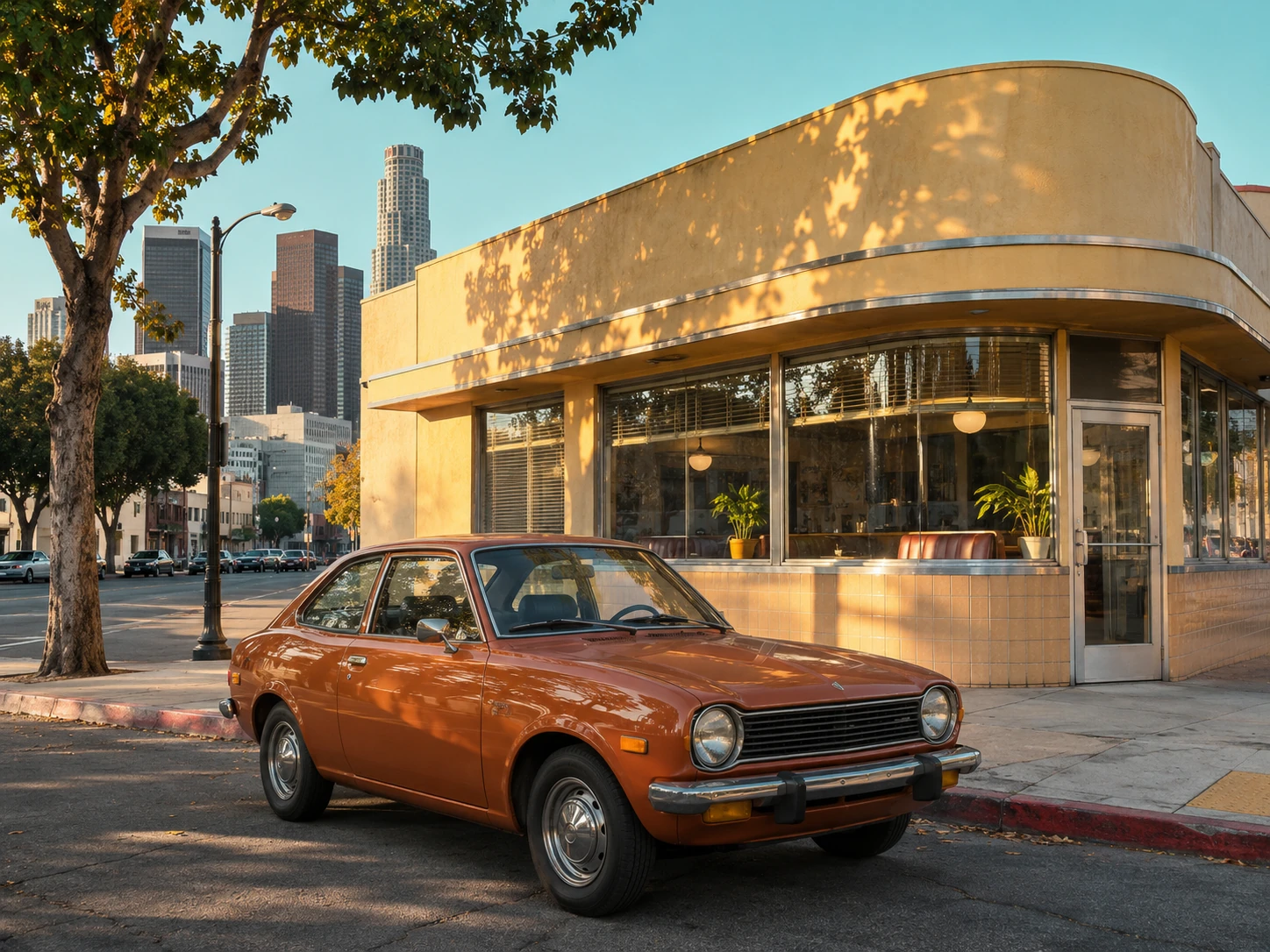
The three inspiration thumbnails above are generated photos, processed with our real filters. Licensed real-photo comparisons are linked below. Try your own photo to judge the result.
One source · real rendered results
See Disposable Camera on three real photos
Compare the same full frame before and after. Each download is a real output from our local Canvas 2D / CPU photo engine, using Disposable 35 at 80% intensity and 37% grain. These are creative effects, not calibrated camera or film-stock reproductions.
Rendered and reviewed by RetroFilters · · All examples have a 960px long edge, without cropping or upscaling. Your own exports are free up to 1280px, within the input size. Download settings, dimensions and file hashes.
Portrait · Window-light portrait
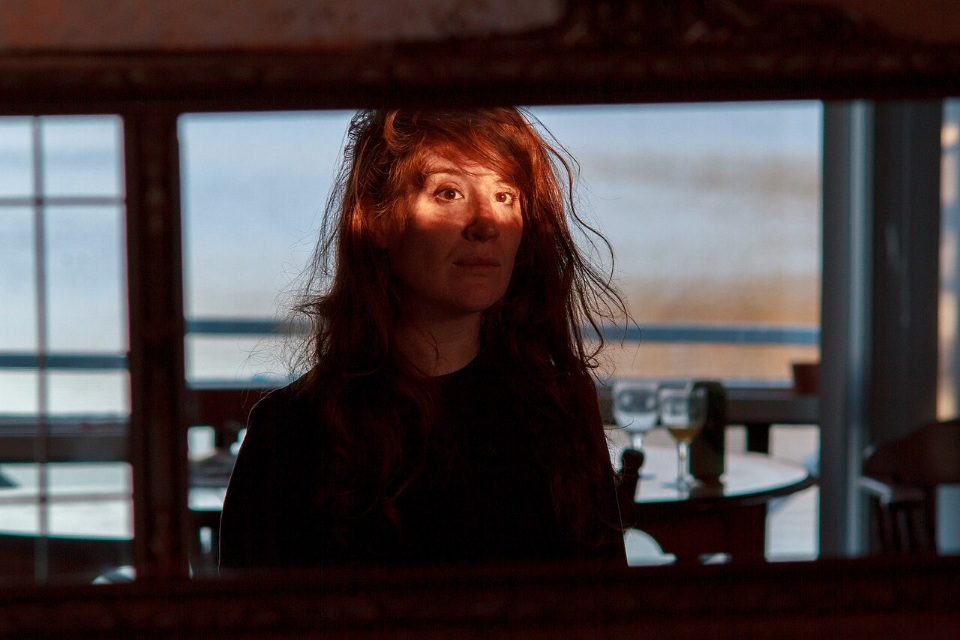
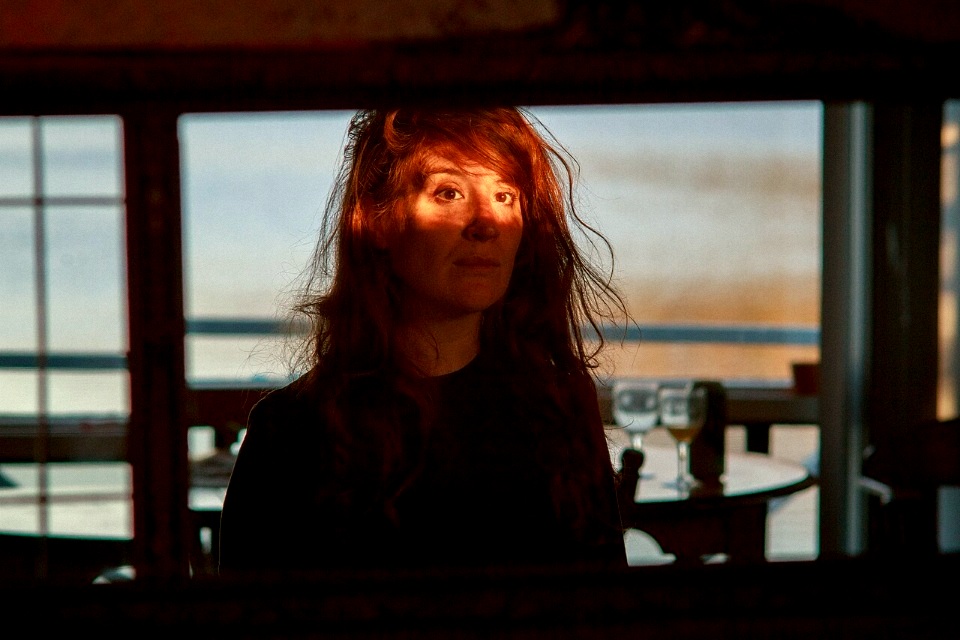
Check light, texture and fine detail against the original before choosing the intensity for your own photo.
Portrait 2024 · Photo by Louis Rivest-Henault / MarieClaudeGendron2 · CC0 1.0. Resized and filtered by RetroFilters; no endorsement.

Night · Singapore after dark
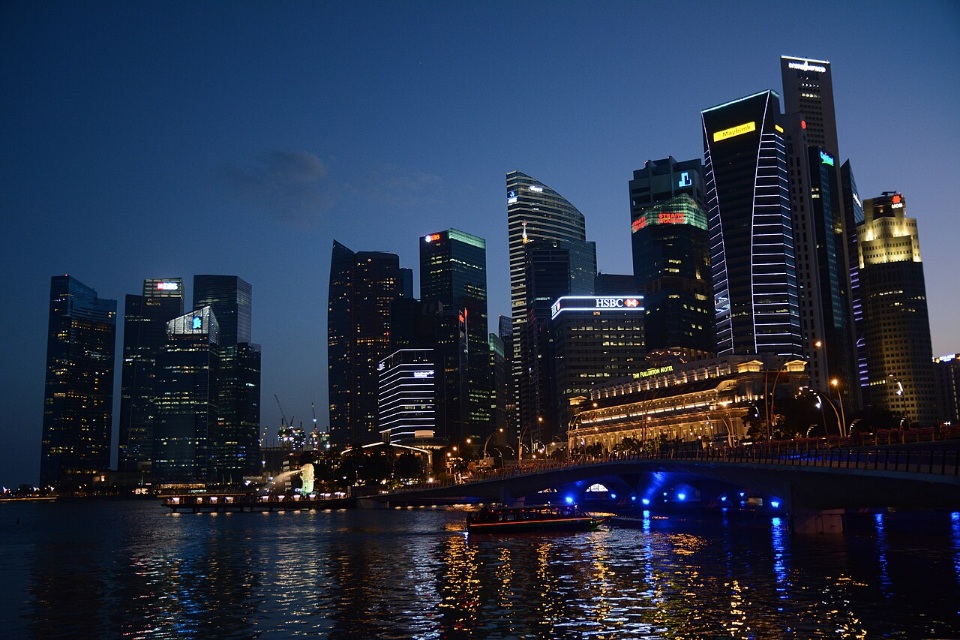
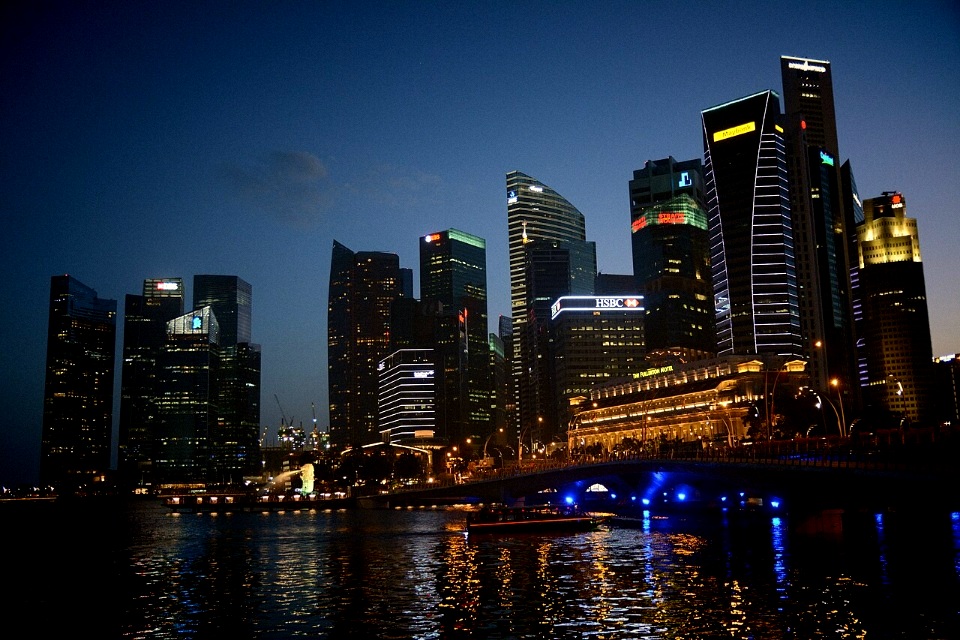
Check light, texture and fine detail against the original before choosing the intensity for your own photo.
Central Business District, Singapore, at night - 20150208 · Photo by C1815 · CC0 1.0. Resized and filtered by RetroFilters; no endorsement.

Street · Downtown Toronto
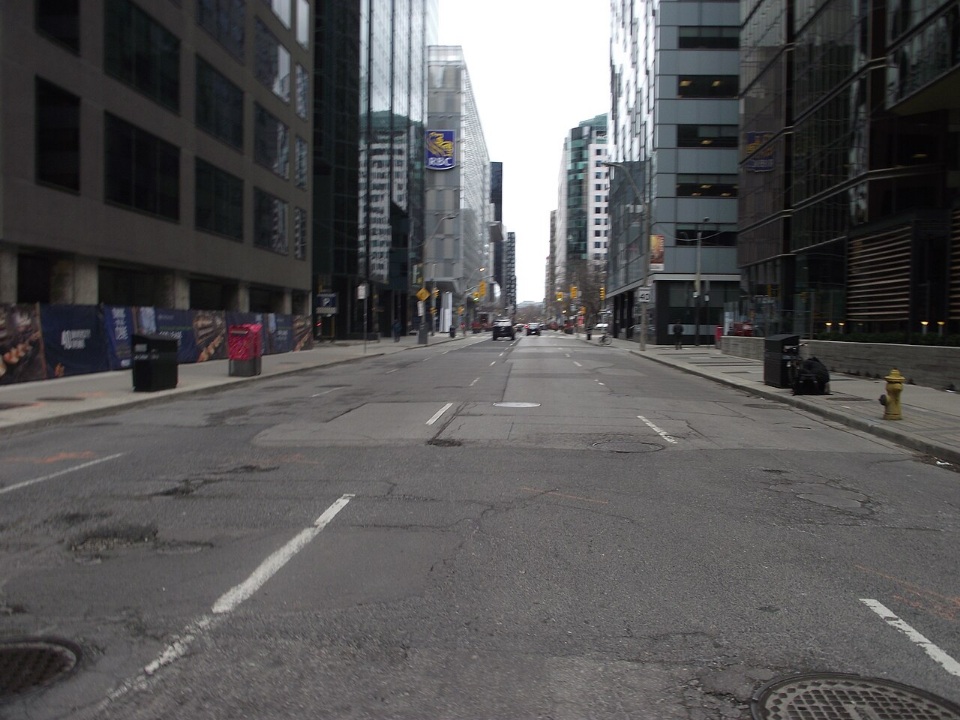
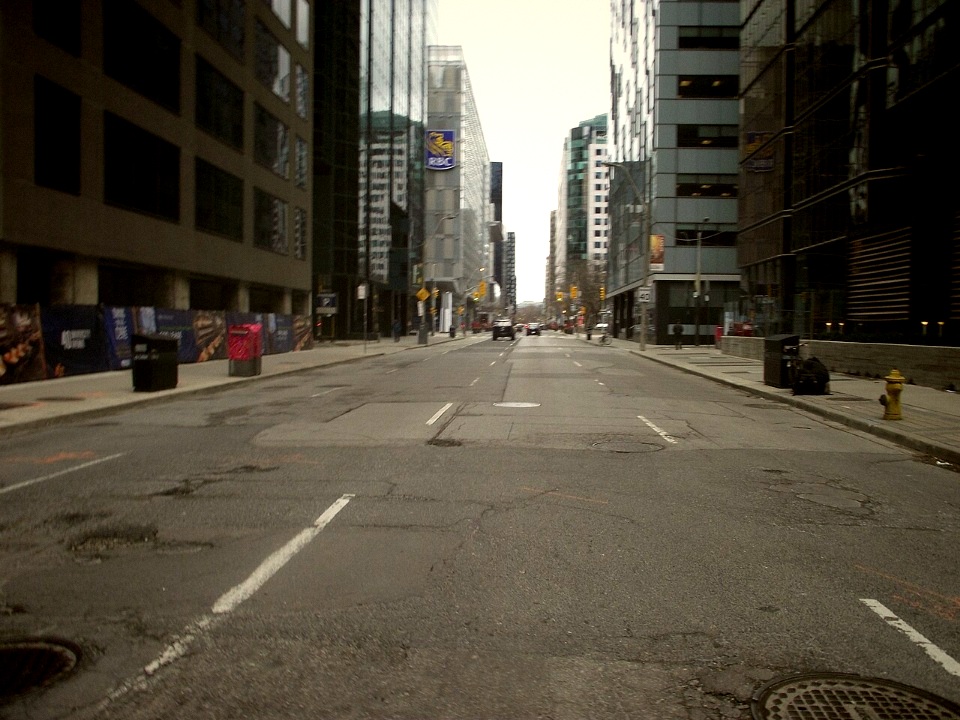
Check light, texture and fine detail against the original before choosing the intensity for your own photo.
Street in downtown Toronto · Photo by Jason Zhang (Hiàn) · CC0 1.0. Resized and filtered by RetroFilters; no endorsement.

Choose a starting preset for your own photo
| Preset | What changes | Starting grain | Try it |
|---|---|---|---|
| Disposable 35 | Warm direct flash, rough grain, and a little corner falloff. | 37% | Open Disposable 35 |
| Direct Flash | A crisp center-weighted flash with dark, cool corners. | 13% | Open Direct Flash |
| Toy Camera | A bowed lens, soft detail, saturated color, and heavy dark edges. | 29% | Open Toy Camera |
The effect, explained
What changes in your photo?
A single-use snapshot mood
Disposable-camera photographs can be associated with direct flash, simple framing, visible grain and imperfect exposure. Their actual appearance also depends on the film, lighting, development and scan. This page offers an original interpretation of that snapshot mood on a photo you already have. It does not reproduce the optics or measured response of a named single-use camera, and it cannot change how light physically fell on the subject.
Three different directions to compare
Disposable 35 is the default, combining warm color, rough grain and darker corners. Direct Flash is included as a comparison when you want a stronger center-weighted feel with less emphasis on the single-use film reference. Toy Camera takes the image toward softer detail and more obvious lens-style distortion. These are different presets, not three identical looks renamed for this page. Check straight lines and the frame edges when using the stronger Toy Camera treatment.
Daylight and indoor photos respond differently
A daytime travel photo usually has more visible shadow detail to work with than a dark party snapshot. Adding grain to an already noisy indoor image can make faces harder to read. Brightening the middle of the frame may suggest direct flash, but it cannot create a new, physically accurate light source or recover clipped skin. Start with less intensity and compare the result before committing to the rougher look.
Keep the imperfections intentional
Light leaks, faded prints and tape lines are separate aesthetic choices. A light leak is not a necessary feature of every disposable camera, so this page does not add one merely to make the reference more obvious. Focus on the color, texture and contrast that help your own photo. If you prefer a cleaner finish, try Film; if you want digital rather than film-inspired texture, try 2000s. The free editor handles one photo at a time.
From photo to file
How to use the Disposable Camera effect
Open your photo
Choose a JPEG, PNG or WebP from your device, or try a generated sample. Editing happens in your browser; no account is needed for a free export.
Choose, tune, compare
Start with the selected preset. Adjust strength and grain, then use the comparison control to check the same photo before and after.
Make your image file
Choose JPEG or PNG and export up to a 1280px long edge without enlarging the input. Your browser handles the download; generating a file does not confirm that it was saved to your photo library.
Useful details
Questions about Disposable Camera
Will this add actual flash lighting?
No. It can change brightness, color and corner shading to suggest flash, but it does not recreate the lighting or shadows of a flash at capture.
How is this different from the Film filter?
This page starts from a warmer, rougher single-use snapshot mood. The Film page offers a broader range of color, contrast and monochrome treatments.
Can I reduce grain?
Use the grain control and compare the result at the size you intend to share. Strength also changes the overall effect. Grain is not a replacement for missing detail.
Can I process a batch?
Batch processing is not available in this release. Open and export photos individually; do not buy an unavailable batch feature.
Keep exploring
Another direction for your photo
Free exports are available now. Paid high-resolution exports, batch processing and LUT packs are not available to purchase.